
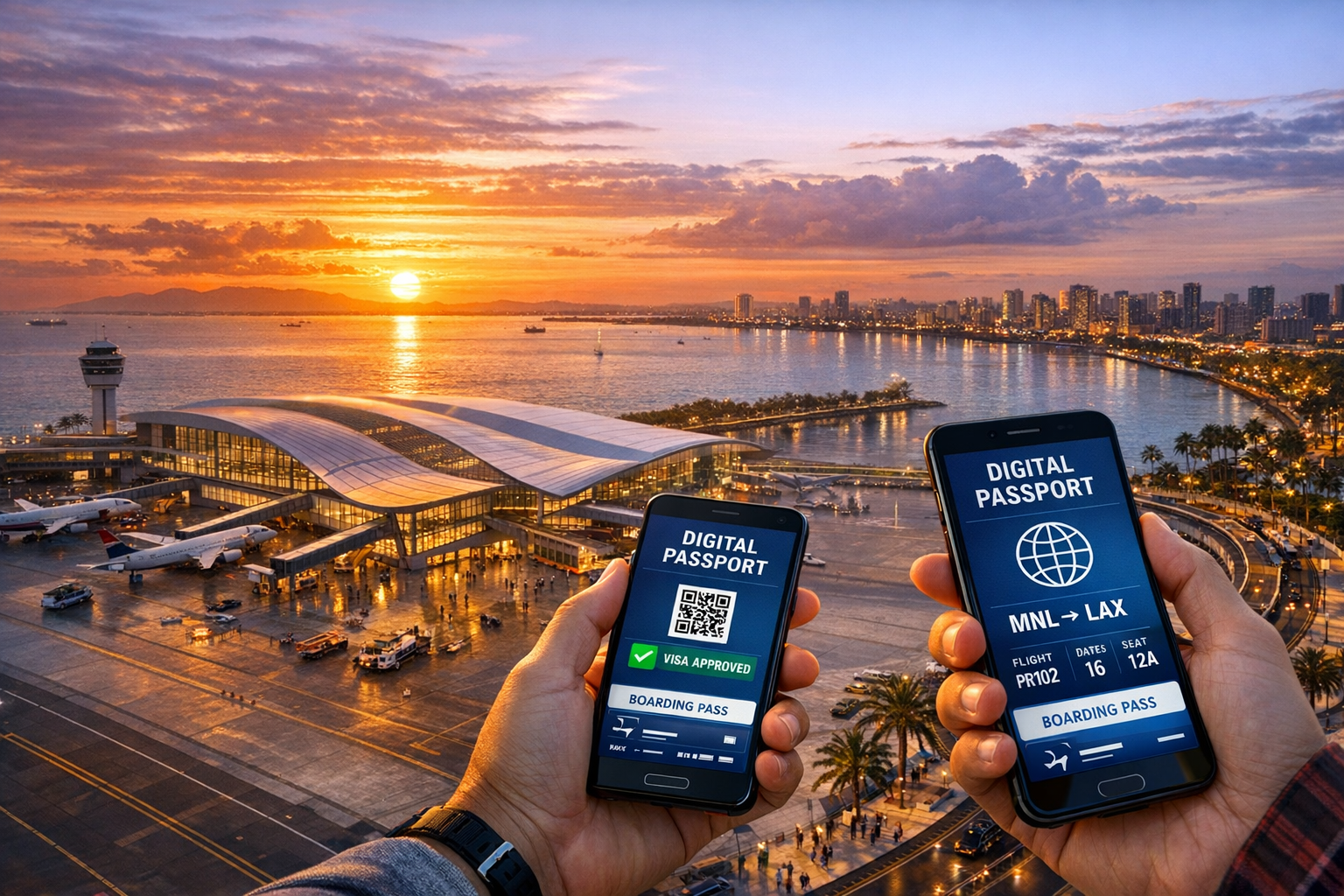
Register online before your flight. Get your QR code. Enter the Philippines hassle-free. The complete, free guide for all travelers.
Select a topic to get started with your Philippines eTravel Pass journey.
The Philippines eTravel Pass is a free, mandatory online registration system required for all passengers — both arrivals and departures — at Philippine airports. It replaces the old paper Arrival Card.
Launched in 2023 by the Bureau of Immigration and Customs, the eTravel system collects health, customs and travel information digitally via etravel.gov.ph.
Essential information for every traveler visiting the Philippines.
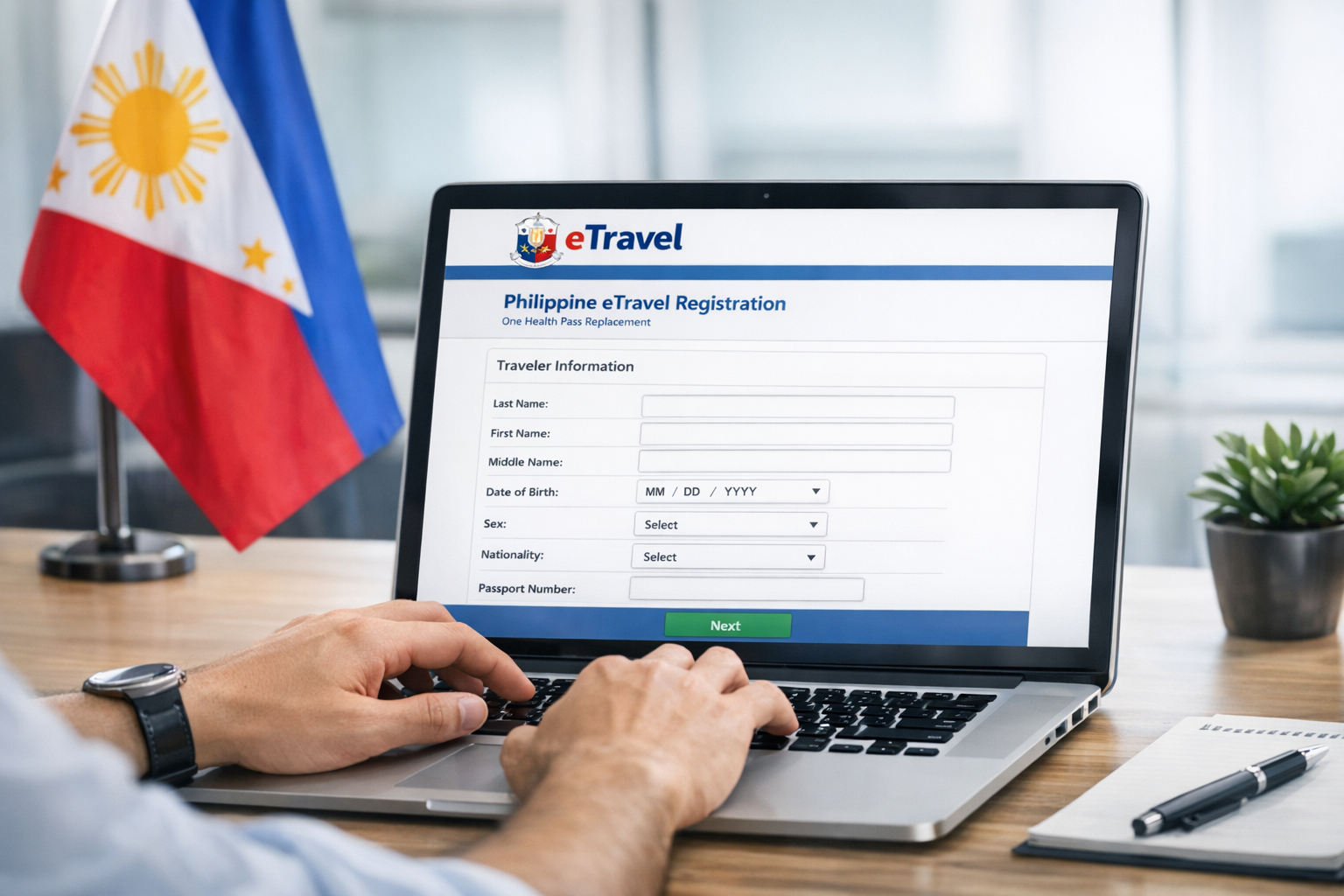
The registration process is straightforward and takes 5–10 minutes. Follow these steps before your flight:
Go to the official website using any device. Beware of unofficial lookalike sites that charge fees.
Register with your email address and create a secure password. Verify your email to activate.
Enter passport information, flight details, accommodation, health and customs declarations.
After successfully submitting, you'll receive a QR code via email. Screenshot or print it.
Information and documents you need ready before starting your registration.
| Requirement | Details | Required For | Mandatory |
|---|---|---|---|
| Valid Passport | Passport number, nationality, date of birth, expiry date | All travelers | ✓ Yes |
| Flight Information | Airline, flight number, departure city, arrival date & time | All travelers | ✓ Yes |
| Accommodation | Hotel name, address in the Philippines (or host contact) | Foreign nationals | ✓ Yes |
| Health Declaration | Symptoms, vaccination status, recent COVID exposure | All travelers | ✓ Yes |
| Customs Declaration | Goods, currency >PHP 50,000, dutiable items | All travelers | ✓ Yes |
| Visa / Entry Document | Visa type (if required), permit details | Foreign nationals requiring visa | Conditional |
The eTravel registration applies to almost all travelers entering or departing the Philippines.
All foreign nationals arriving in the Philippines must register via eTravel regardless of nationality. This includes tourists, business travelers and transit passengers.
Learn MoreFilipino nationals departing from Philippine airports must also complete eTravel registration before their international flight. This includes OFWs and Balikbayan returnees.
OFW GuideCertain travelers may be exempt, including diplomats, aircraft crew, and some transit passengers. Minors under 15 may be registered under a parent's account.
View ExemptionsComplete your Philippines eTravel Pass registration in under 10 minutes — completely free on the official government platform.
After completing your registration on etravel.gov.ph, you will receive a QR code confirmation via email. This is your digital entry pass.
Registration complete. All declarations approved. Present at immigration counter.
Issue with your registration. Report to health or immigration desk immediately.
Your QR Code
Received after successful
eTravel registration
The eTravel system is active at all international airports across the Philippines.
Answers to the most common questions about the Philippines eTravel Pass.
Yes — completely free. The eTravel registration at etravel.gov.ph charges no fee. If any website asks you to pay for eTravel registration, it is not the official site. Be cautious of scam websites charging "service fees."
You can register up to 72 hours before your flight. For arrivals, this is 72 hours before landing. For departures (OFWs), this is 72 hours before your scheduled international flight. Do not register too early — the window closes outside 72 hours.
Children under 15 traveling with a parent or guardian can be registered under the parent's eTravel account. Each child still requires separate information to be filled in. Children traveling alone must have their own account created by a responsible adult.
If you arrive without eTravel registration, you will be required to complete registration at a kiosk in the airport arrival area. This causes delays and may be stressful after a long flight. It is strongly recommended to register in advance.
First, check your spam/junk folder. If the email is not there, log back into etravel.gov.ph and find the option to resend the QR code. Make sure your email address is correct in your account settings. See our QR Code Guide for full troubleshooting steps.
Transit passengers who do not pass through Immigration (airside transit) are generally exempt. However, if you clear immigration even briefly, eTravel registration is required. Always confirm with your airline before travel.
Yes. One account can register multiple travelers traveling on the same flight. After your initial registration, look for the "Add Traveler" option. Each family member will receive their own individual QR code confirmation.
No. The eTravel Pass is a separate requirement from a visa. If you need a Philippine visa (depending on your nationality), you must still obtain it separately. eTravel is purely a travel information and health declaration system.
Overseas Filipino Workers (OFWs) and Balikbayan travelers have specific requirements and exemptions. The eTravel system integrates with the OFW Pass (eGovPH app).
| Feature | OFW Pass | eTravel |
|---|---|---|
| Required for | OFWs departing | All travelers |
| Platform | eGovPH App | etravel.gov.ph |
| Free | Yes | Yes |
| Replaces each other | No — both required | |
Understanding the history helps travelers know why eTravel was introduced and what it replaced.
Travelers filled in a paper card on the airplane before landing. Border agents manually processed thousands of cards daily — slow and error-prone.
The Bureau of Immigration launched the eTravel digital platform at etravel.gov.ph, replacing paper cards with a QR-based system.
eTravel is now mandatory at all Philippine international airports. The paper arrival card was officially retired in 2024.
Don't wait until the last minute. Register within 72 hours before your flight for a smooth arrival experience at any Philippine airport.
This is an independent information guide. Always verify current requirements at etravel.gov.ph